

Elevating Education with Google
Transforming districts through specialized licensing, expert-led professional learning, and seamless technical logistics.
Licensing
Choose from the foundational collaborative tools of Education Fundamentals or the proactive security and advanced analytics provided by Education Plus. Five Star is here to guide you through these options to find the perfect fit for your institution’s unique needs.
Learning
Our Professional Development offerings are designed for educators, by educators. In today’s tech-integrated world, mastering Google Workspace for Education is increasingly crucial, and our programs are designed to empower you! As a Google Certified Partner, our training covers distinct Certification types for Educators, Coaches, & Trainers.
Logistics
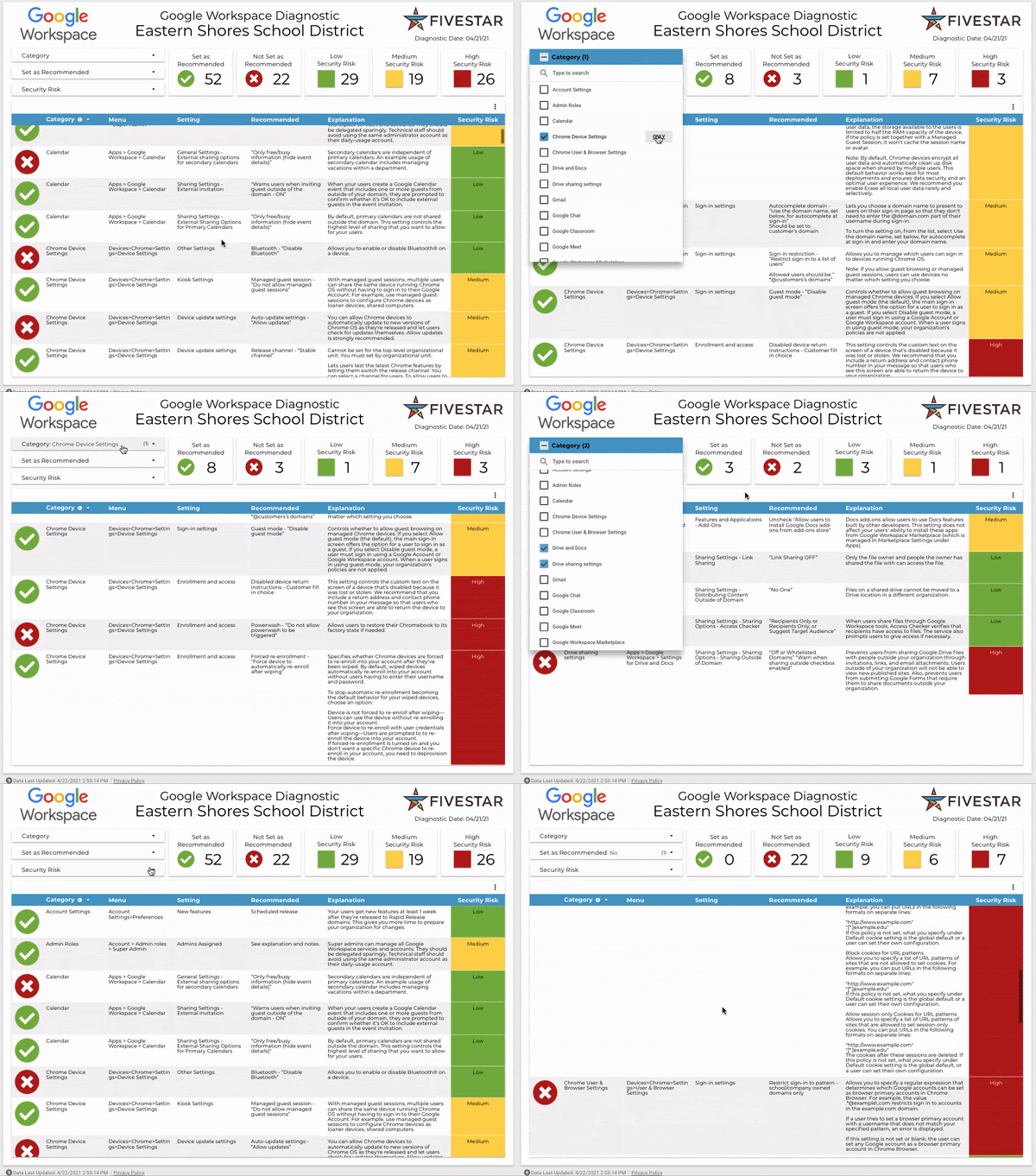
From assessing your admin settings to help maximize security to migrating your database to Google Cloud, we ensure your team stays focused on learning. Secure, scalable, and cost-effective cloud solutions are essential in K-12 districts. Explore how Five Star can transform your district’s technology infrastructure and empower digital learning.

Education Plus
Unlock premium teaching tools and advanced classroom management capabilities across familiar Google applications.

Introduction to Google Workspace for Education Plus
A comprehensive overview of Google Workspace for Education Plus, highlighting the premium tools and enhanced capabilities across familiar applications.
Practice Sets, Interactive Videos, and Read Along
Personalize student learning with adaptive assignments and boost literacy skills using these new tools in Google Classroom.
Originality Reports and Classroom Analytics
Leverage enhanced Originality Reports for academic integrity and gain deeper insights into student progress with Classroom Analytics.
Google Vids & Interactive Videos
Learn about Google’s new video creation tool and see how to leverage video with Google Classroom’s interactive video feature.
Classwork Sharing and Templates
Increase collaboration efficiency by sharing activities, reusable classroom templates, and allowing administration class visits.
Google Meet Engagement
Learn how to boost engagement and accessibility during all instructional time with Q&A, polls, and translated captions.
Class Tools & Device Management
Share and pin content in real time with managed Chromebooks to keep students on task without disrupting the flow of instruction.
Chromebook Plus
Familiarize educators with Chromebook Plus devices, core navigation, and key productivity features for teaching.

Chromebook Plus Essentials & Productivity
Familiarize educators with Chromebook Plus devices, core navigation, browser usage, organization tools, and key productivity features.
Specialty Apps for Teaching & Learning
Provide hands-on exploration of key Chromebook-optimized apps for educational tasks and student creation.
Chromebook Accessibility Features
Introduce educators to the range of built-in accessibility tools in ChromeOS and how to leverage them for diverse learners.
Chromebook Plus Workshop Bundle
Bundle them all! Familiarize educators with devices, optimized tasks, and essential accessibility tools in one series.
AI & Gemini
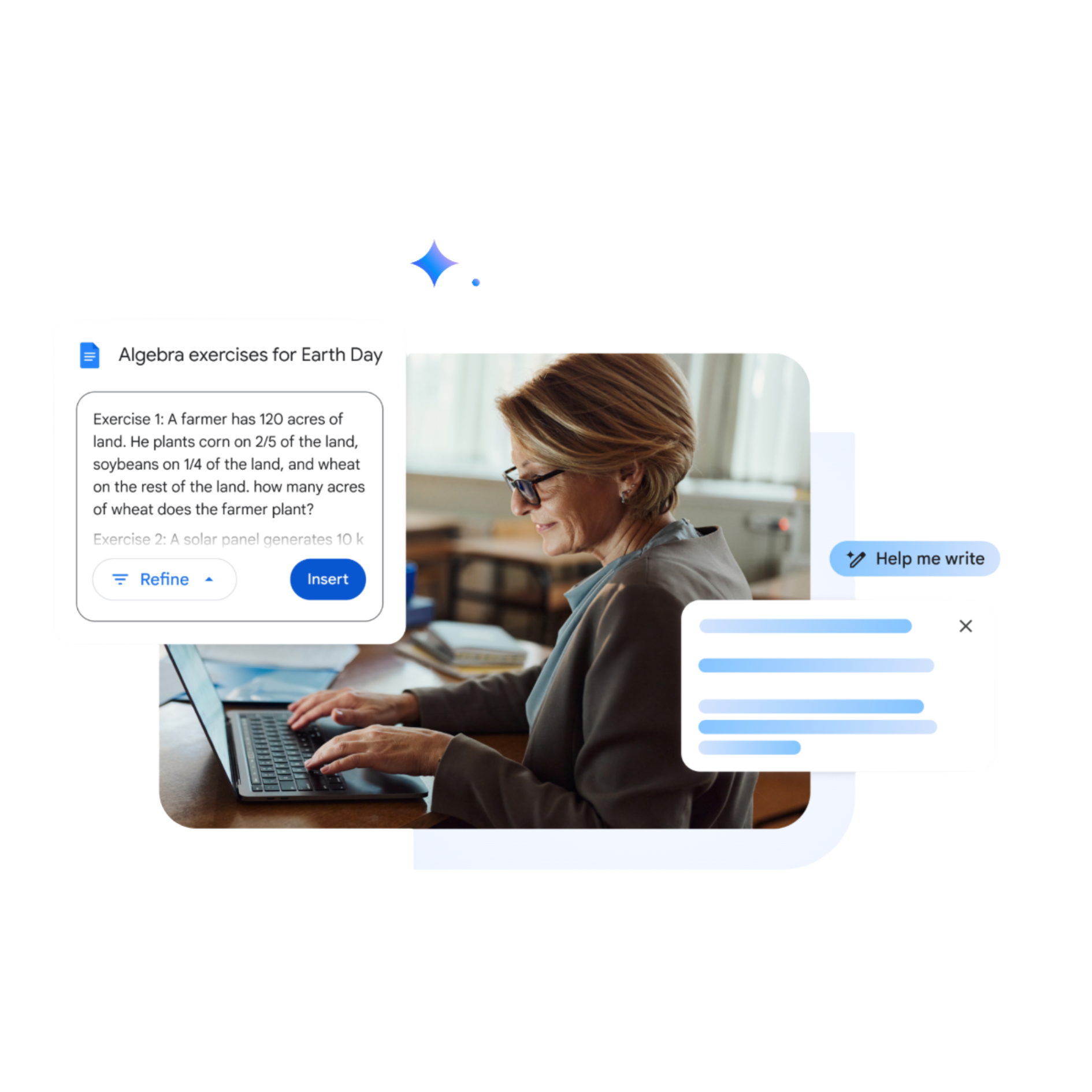
Harness the power of AI for educational excellence while upholding strong ethical principles. Our workshops are platform-agnostic, ensuring your team gains a broad, transferable understanding of the AI landscape. Our training explores the best-in-class tools for every classroom need—including Gemini, MagicSchool, Curipod, Diffit, as well as creative generative AI workflows in Adobe, Canva, and more.
Workshop 1: Intro to AI
Gateway to leveraging Generative AI and chatbots to streamline administrative tasks and engage students.
Workshop 2: Unleash Potential
Empowering administrative, technical, and teaching staff to harness transformative AI capabilities.
Workshop 3: AI Policies
Exploration of the intersection between AI and district policy for stakeholders and policymakers.
Workshop 4: Differentiated Tools
Grade-banded hands-on journey to discover age-appropriate AI resources for student needs.
Workshop 5: Data & Technical
Learn to collect and analyze data responsibly while fostering a safe and inclusive AI environment.
AI Policy Support & Consulting
We help districts develop flexible, framework-based policies that promote AI literacy and prepare students for the future workforce.
Digital AI Policy Toolkit (Self-Paced)
Designed for schools seeking a low-cost, flexible approach to AI policy compliance. This self-paced solution provides baseline staff training on ethics and responsible AI use, ensuring your team is informed and prepared. The toolkit includes an on-demand learning series covering AI 101, ethics, and policy foundations, a pre-made stakeholder workshop template, customizable policy templates aligned with FERPA, COPPA, and PPRA, and a best practices playbook for safe classroom use.
Schools will also receive certificates of completion for professional development credit. By the end of this program, your district will have a ready-to-customize AI policy draft and staff trained to implement AI safely and responsibly.
AI Policy And Consulting Series (Hybrid)
For schools seeking expert guidance and interactive support, the AI Policy + Consulting Series combines the flexibility of our Digital AI Policy Toolkit with live workshops and personalized consultation. This hybrid package helps districts build a locally adapted, board-ready AI policy with staff fully engaged in ethics and compliance learning.
In addition to everything included in Package 1, schools receive two live virtual workshops focused on policy and ethics, four hours of one-on-one policy consultation, and a leadership briefing highlighting compliance risks and strategic recommendations. The result is a fully vetted AI policy with stakeholder buy-in and a staff trained to implement ethical AI practices confidently across classrooms.
Comprehensive AI Policy & Training (Full Service)
The ultimate solution for districts committed to full adoption and integration of AI. It includes everything from Packages 1 and 2, plus on-site AI training sessions for up to 30 participants, educator workshops on tools, ethics, and integration, leadership strategy workshops, and student-focused sessions on digital citizenship and AI safety.
Districts can also access full virtual curriculum integration coaching and follow-up consultation sessions to sustain best practices over time. This comprehensive approach leaves schools with an officially adopted AI policy, trained and informed staff, prepared students, and a sustainable framework for responsible AI use across the district.